How to move your programs and students to a new platform
A move takes about a week: export students and videos, upload them in bulk, set the offers and tell your students. Access opens for each student when they sign in with the same email.
- 99 EUR
- per month on the first plan
- 0%
- of your sales goes to the platform
- 14 days
- free on any plan, without a card
Six steps
Export
Your students with their products, and your videos.
Upload the content
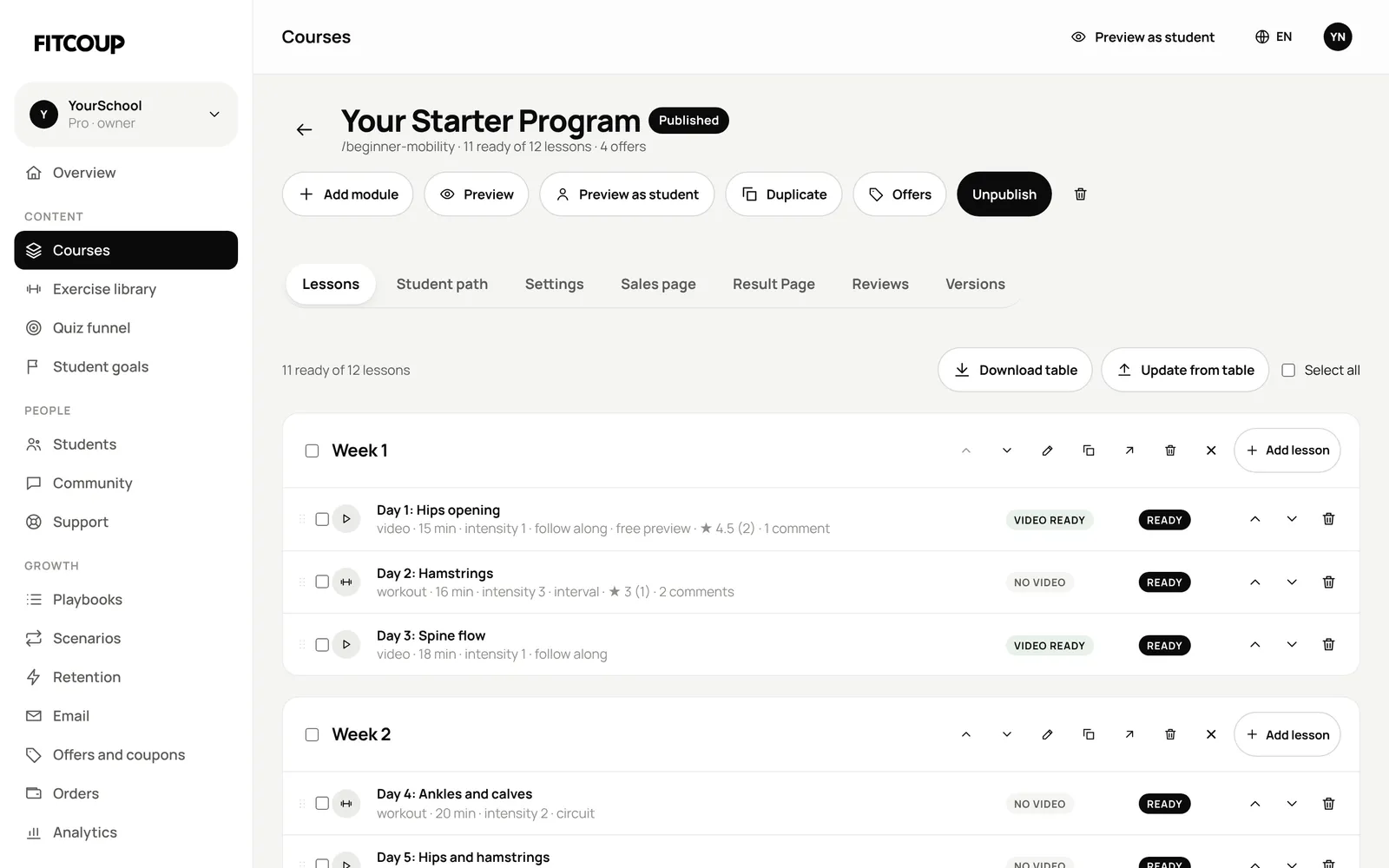
All videos at once, with a spreadsheet of lessons.
Set the offers
Prices, subscriptions and trials.
Import the students
A CSV file with emails and the programs to grant.
Tell your students
One email with the new link. They sign in with their email.
Switch the link
Bio, website and emails now lead to the new school.
- Automations from day oneImported students meet your offers and reminders.
- A flat plan0% of your sales.
- Your data stays yoursExport at any time.
Questions
How do students get in?
They sign in with the same email and a link. No passwords to reset.
Where do students train?
In your school, under your name. It opens from your link on any device, with one account for everything they bought.
How much does FitCoUp cost?
Plans start at 99 EUR per month. FitCoUp takes 0% of your sales, and every plan has 14 days free without a card.
What can I sell on FitCoUp?
Online courses, workout programs, challenges and membership clubs, as one-time products or subscriptions, with free trials.
Related pages
Your school can be live this week
Fourteen days free on any plan. Templates for programs, offers and scenarios are ready the moment you sign up.